How to Listen Ad-Free on Apple
As a member of the Garlic & Pearls Salon, you can listen to the version without any advertising ("ad-free") and bonus episodes. You can listen on this website, or use a podcast app.
If you use an Apple iPhone, you will probably listen using the Apple Podcasts app. Follow these instructions to set up Apple Podcasts to listen to the ad-free version of Garlic & Pearls.
If you use an Apple iPhone, you will probably listen using the Apple Podcasts app. Follow these instructions to set up Apple Podcasts to listen to the ad-free version of Garlic & Pearls.
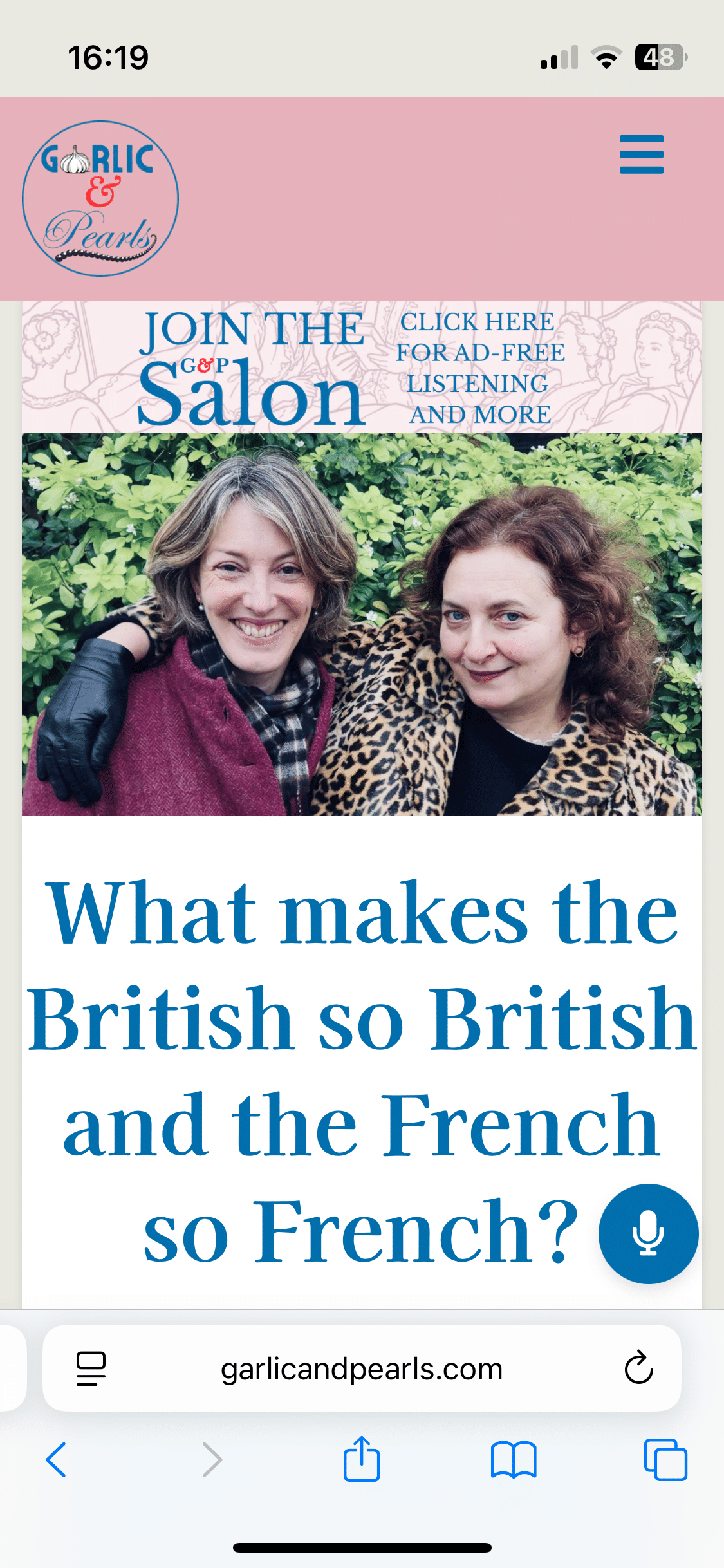
1. Start at the Garlic & Pearls Home Page
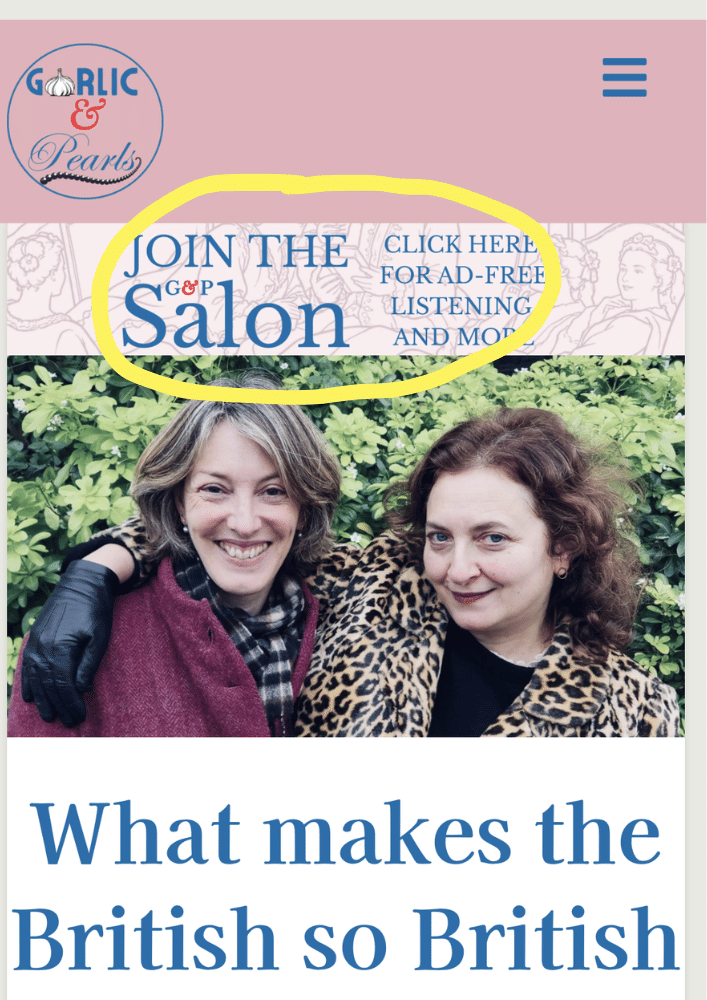
2. Click the banner to join the Salon
3. Scroll down to choose the G&P Salon membership.
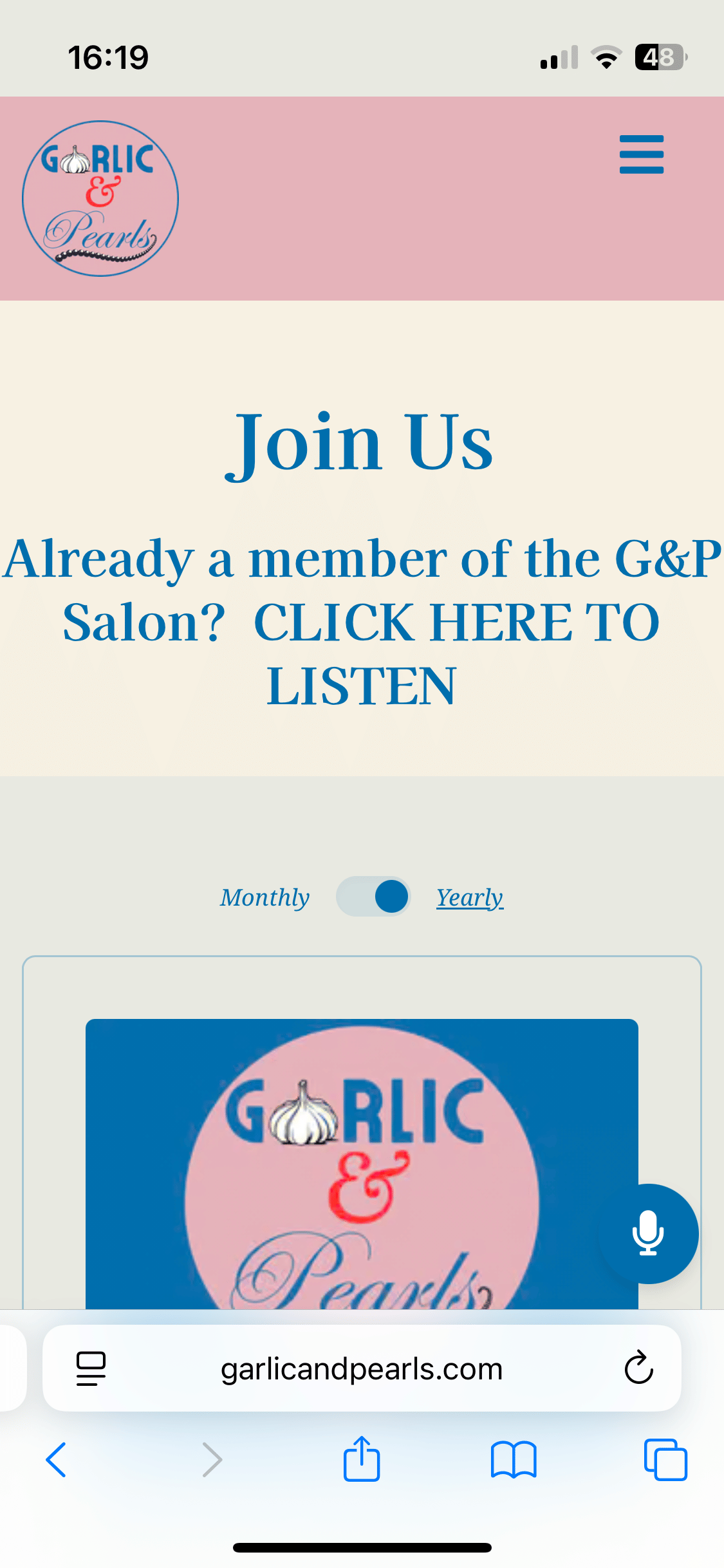
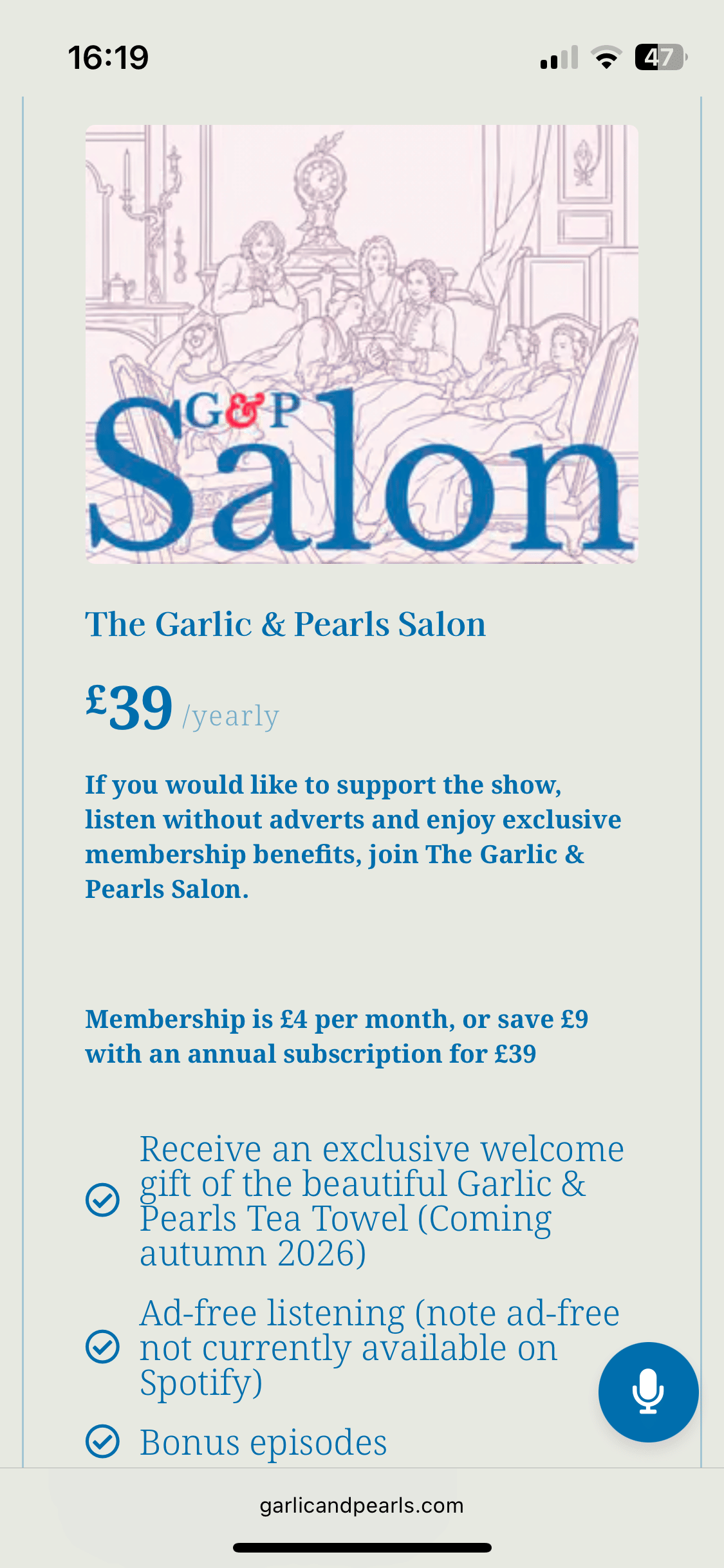
Select monthly or annual billing before you press "Choose". Annual billing gives you an 18.75% discount.
4. Sign up with your name and email address.
Choose a password.
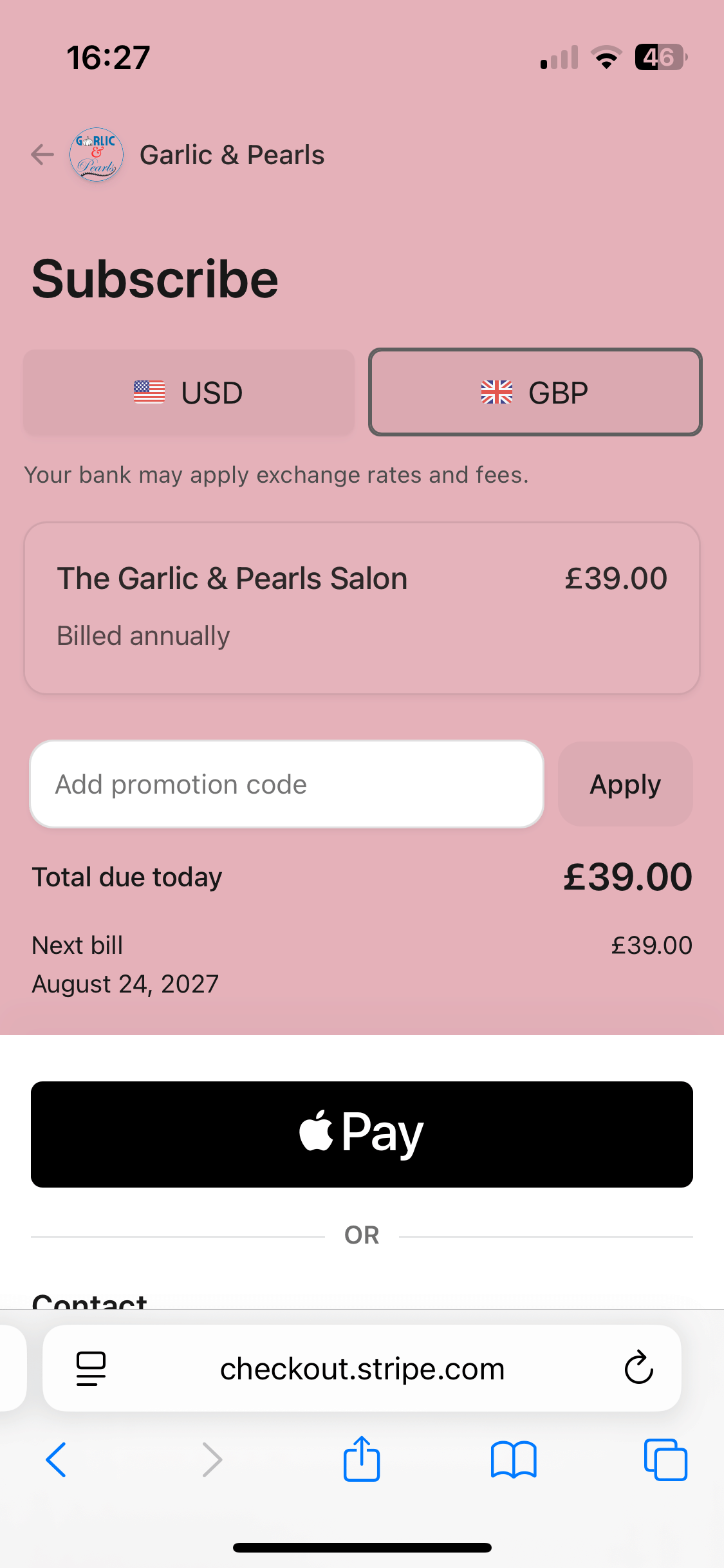
5. Enter your payment details with Stripe, our payment provider.
6. When returned to the Membership page, click on the link "CLICK HERE TO LISTEN"
Now you can listen to the ad-free version of the podcast on the website. Continue with the instructions to listen with Apple Podcasts.
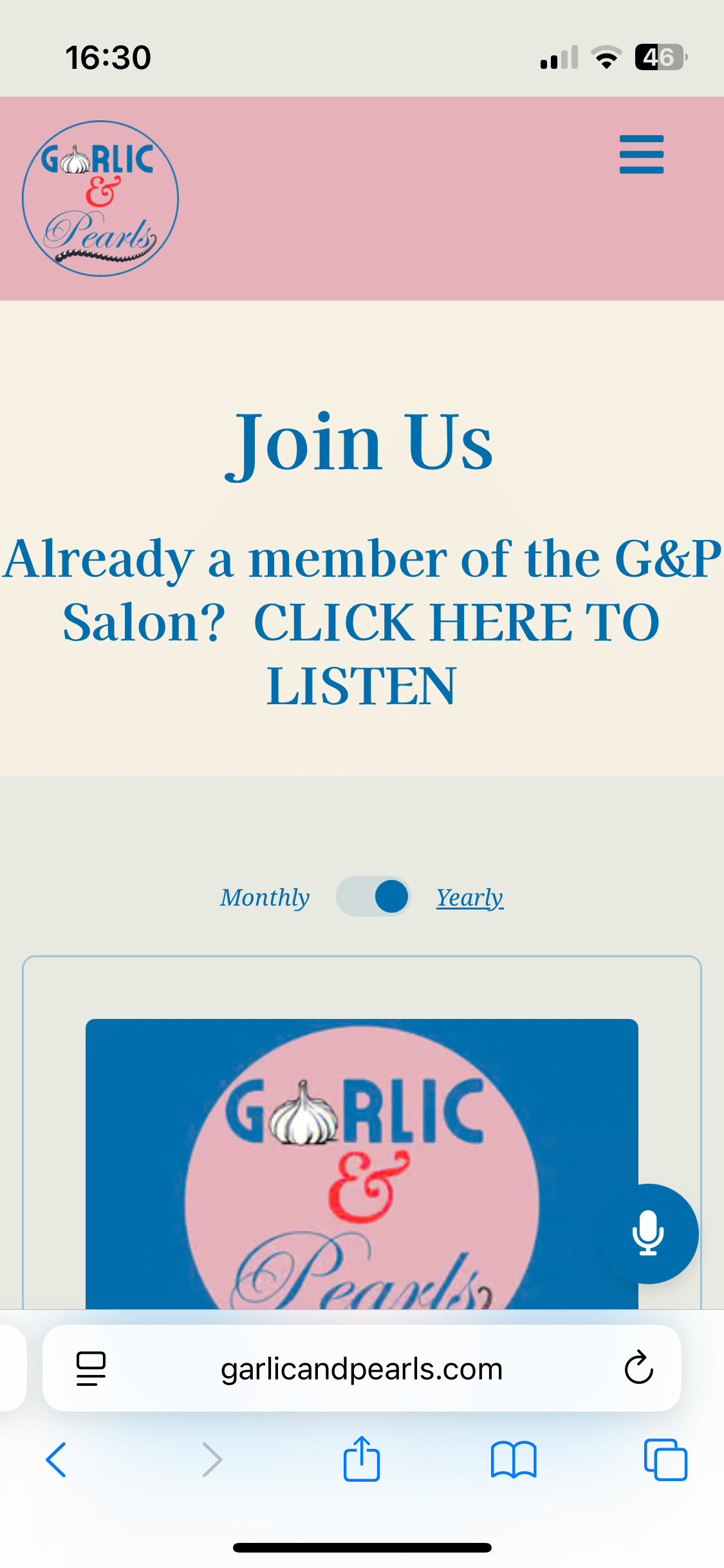
9. Return to the Garlic & Pearls Salon page
Click the first icon in the list to listen on Apple Podcasts
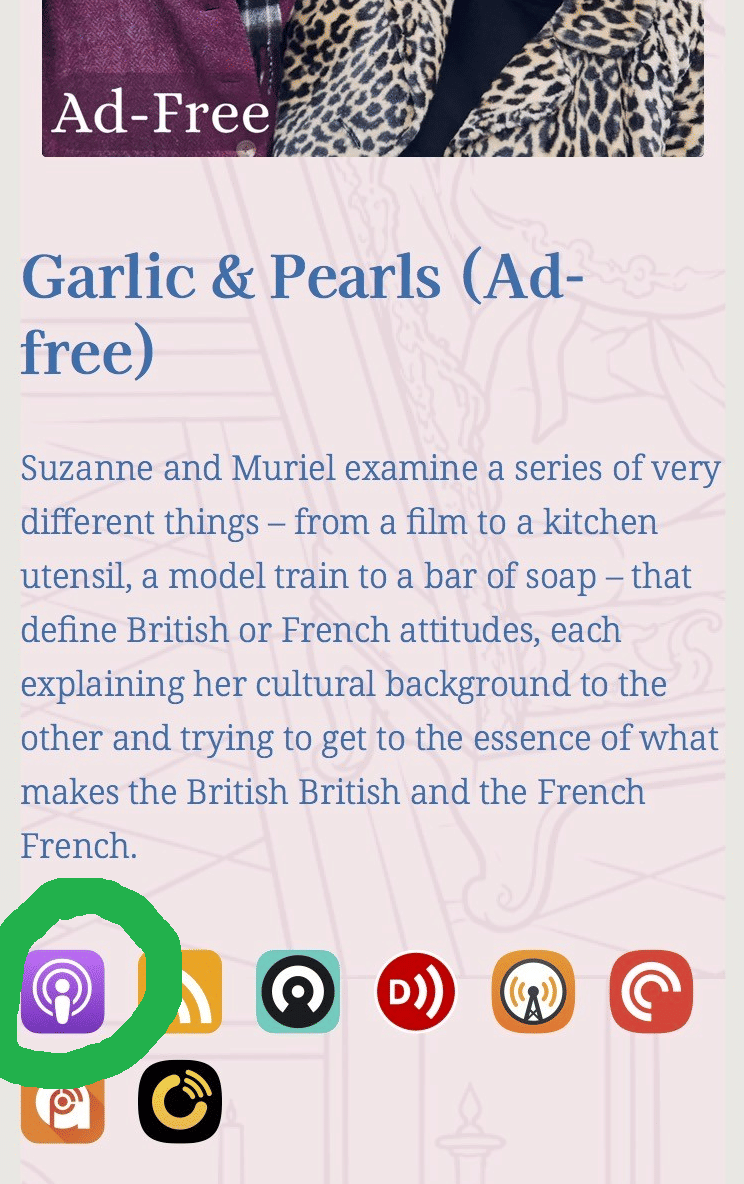
10. Follow Garlic & Pearls (Ad-free) in Apple Podcasts
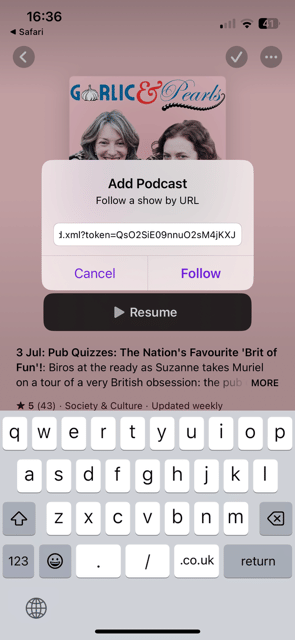
When you click on the app icon in the Garlic & Pearls icon, it should open the Apple Podcasts and present a box asking if you want to "Add Podcast" and "Follow a show by URL". Select "Follow".
If this stage doesn't happen, go back to the Garlic & Pearls website and click the icon for Apple Podcasts again.
If this stage doesn't happen, go back to the Garlic & Pearls website and click the icon for Apple Podcasts again.